
What you get
- A grid that shows what psql shows. Values are rendered in Postgres's own text format, so a boolean reads
t, not a reformatted guess. - Staged edits. Change cells, add and delete rows, then review and commit with ⌘S in one transaction. Tables without a primary key can still be edited through a unique key, or safely through
ctidandxmin. - SQL editor with autocomplete, query history and a real cancel button that sends a Postgres cancel request, so the server stops too.
- Structure editor for columns, indexes and foreign keys.
- Every TLS mode from disable to verify-full with a CA file, plus direct TLS on Postgres 17 and later.
- Hosted Postgres: Supabase, Neon, Amazon RDS, Railway, Render. Their URLs are recognized and get the right TLS defaults.
- Backups you start by hand: each table's structure and rows as compressed SQL in a folder you choose, restorable table by table from Gadwal.
Postgres plus an AI, safely
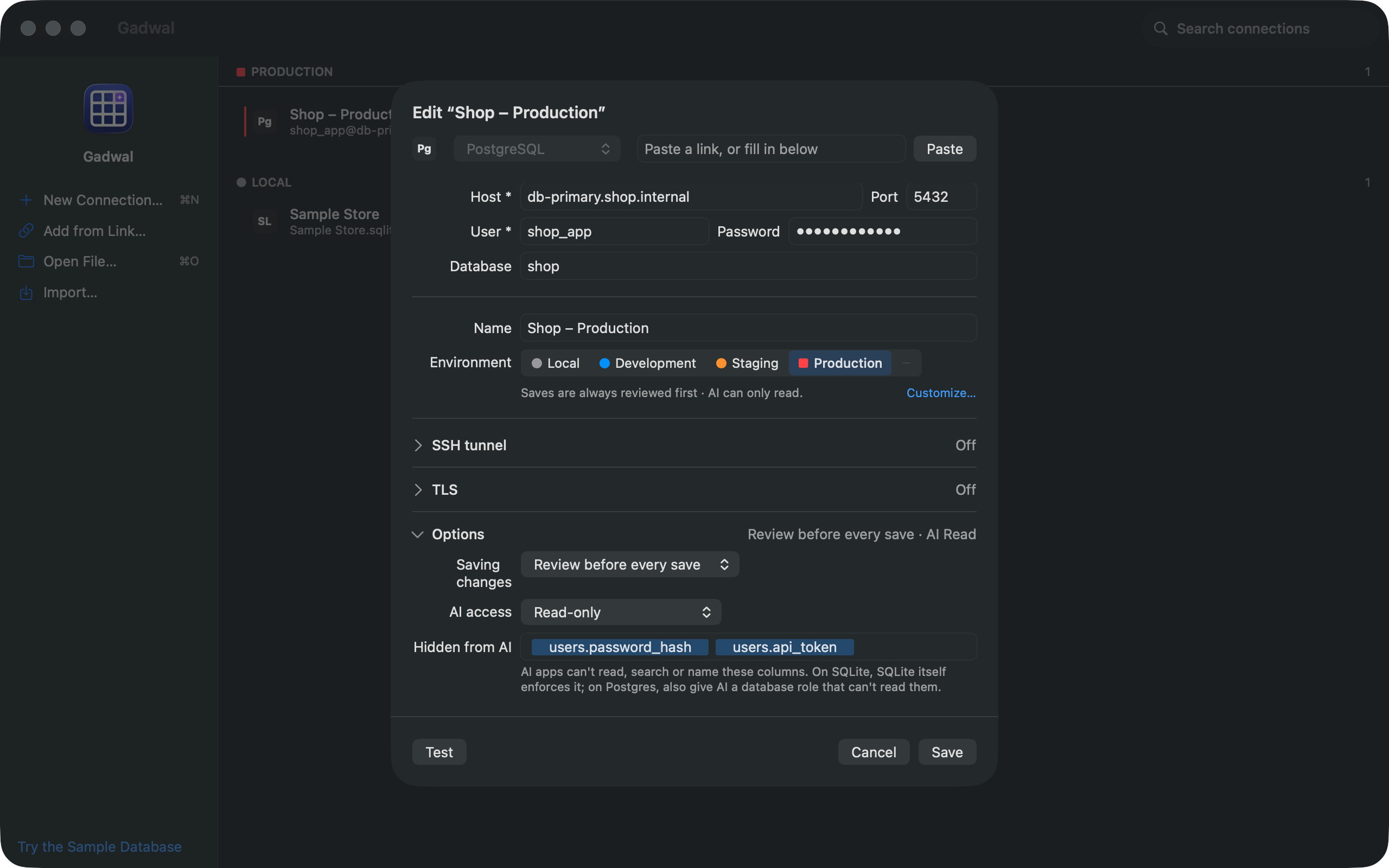
Turn on Gadwal's MCP server and Claude, Cursor or Codex can read your schema and data. On a Read-only connection their queries run inside a read-only transaction on the server, so even a function with side effects can't write. On “Ask before write”, their changes land in a review panel. How the MCP server works.
Setting up Postgres first?
Our guide covers Homebrew and Postgres.app: Install PostgreSQL on Mac.
Questions
Does Gadwal work with Supabase and Neon?
Yes. Paste the connection URL. Pooler hosts (port 6543, Supabase pooler and Neon -pooler hosts) switch on pooler mode automatically, which avoids named prepared statements and session settings that poolers reject.
Can it connect to a local Postgres from Homebrew or Postgres.app?
Yes, on 127.0.0.1 port 5432. The App Store sandbox blocks Unix sockets, so use the TCP address.
Does it support SSH tunnels?
Yes: ed25519, RSA and ECDSA keys, with or without a passphrase, and password authentication.